An SP+AFF charge on a debit card or bank statement most likely relates to a Shop Pay Installments payment serviced by Affirm. The store name after the asterisk can help identify the purchase. The amount may be one installment, so it might not match the full order total.
SP+AFF charge: quick answer
- Likely connection: Shop Pay Installments, powered and serviced by Affirm.
- First place to check: Your installment order and payment schedule in the Shop app.
- Key clue: The merchant wording after
SP+AFF*. - If you did not authorize it: Contact your bank promptly and report the activity to Affirm.
Identify your payment | Report an unauthorized charge | Consumer experiences
Last reviewed: September 9, 2026.
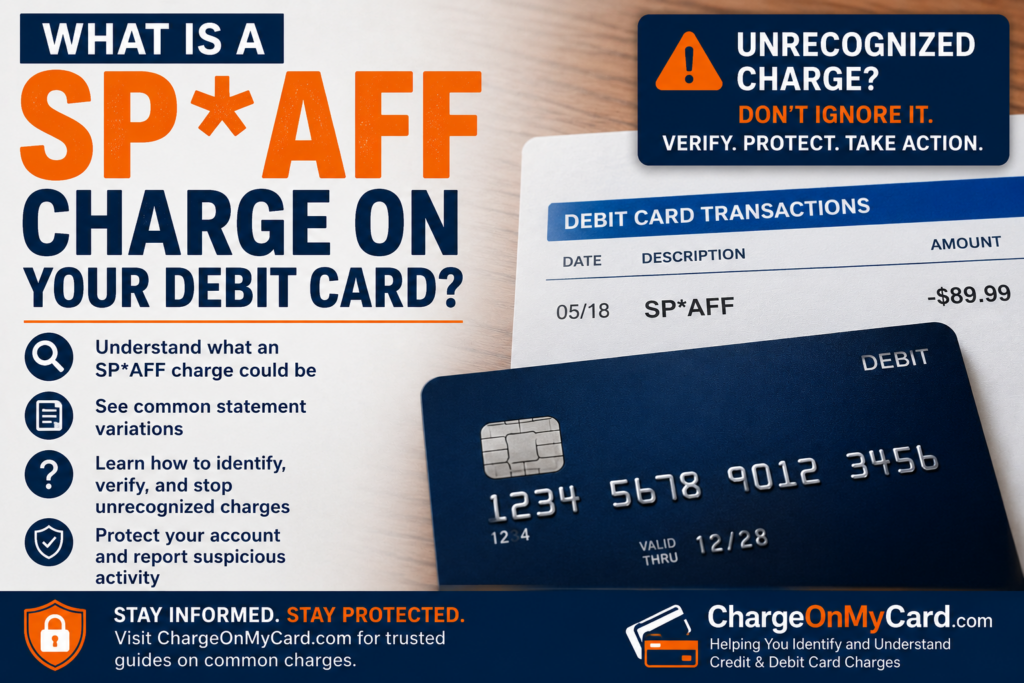
What Is SP+AFF on My Bank Statement?
SP+AFF, SP AFF, and SP + AFF are billing descriptions associated with Shop Pay Installments and Affirm. Shop’s official installment overview confirms that Affirm powers the service and manages the loan payments.
There is also merchant evidence for the wording: the xoxo, klowe FAQ gives SP AFF * XOXOKLOWE LLC as a possible statement entry for its Shop Pay Installments customers. That example supports the payment-service connection; your own merchant and order still need to match.
A purchase through Shopify Payments can also appear as SP * STORE NAME, according to Shopify’s billing guidance. SP alone does not establish an Affirm installment plan. The additional AFF wording is a reason to check your installment records.
SP+AFF Charge Variations and Merchant Names
Spacing, punctuation, and shortened names can make the same type of payment look different. Use these clues when reading the complete transaction:
| Statement wording | What to check |
|---|---|
SP+AFF, SP AFF, or SP + AFF |
Look for a Shop Pay Installments order and matching Affirm payment. |
SP+AFF* MERCHANT NAME |
Search the wording after the asterisk in your receipts and order history. |
PURCHASE SP+AFF |
Open the transaction for any additional store or payment details. |
SP AFF SAN FRANCISCO CA |
Compare the payment with your order records; the city alone does not identify the store. |
What if the charge says SP+AFF * Imperfects?
Use IMPERFECTS as a merchant clue when searching your receipts. Imperfects is a retailer of apparel, surf craft, and skateboards, so a matching purchase there is worth checking. We have not independently confirmed that retailer’s exact SP+AFF descriptor. Match the order, payment amount, and schedule before identifying it as the seller.
Why Does an SP AFF Charge Say San Francisco?
An SP AFF San Francisco charge does not, by itself, show that someone used your card in San Francisco. Location wording can reflect business or payment-processing information rather than where you were when you ordered.
The merchant name, installment amount, and payment date are more useful for tracing the purchase. Ask your bank for the full merchant information if its app shows only a shortened name and city.
How to Identify an SP AFF Charge on Your Debit Card
- Open the full bank transaction. Note the complete descriptor, amount, date, and whether the charge is pending or posted.
- Search your email receipts. Look for the merchant wording, “Shop Pay Installments,” and “Affirm.” Check other email addresses you use for shopping.
- Review the order in Shop. Use the email address from the order confirmation. Compare the store, payment method, completed payments, and upcoming installments.
- Ask authorized card users. Someone with permission to use the card may recognize the purchase.
- Get help with any mismatch. Ask Affirm about the installment record and your bank about the transaction details. If you suspect unauthorized use, notify the bank immediately.
Compare the installment amount, not just the receipt total. For example, a hypothetical $120 purchase divided into four equal, interest-free payments would produce $30 installments. Your bank’s payment date may also be later than the date you placed the order.
Why Does SP+AFF Keep Charging Me?
Repeated SP+AFF payments may belong to an existing installment plan. Depending on the plan and country, payments can be due every two weeks or monthly, and a down payment may be required at checkout.
Check the remaining balance and final scheduled payment. A recurring-payment label does not automatically mean an ongoing subscription. If you have several financed orders, compare each debit with the appropriate order.
Who Handles SP+AFF Refunds and Payment Problems?
- The store: Order cancellations, returns, missing deliveries, and product problems.
- Affirm: Installment balances, payment records, and account or loan questions. Use the official Affirm support page for Shop Pay Installments.
- Your bank or card issuer: An unauthorized bank or card transaction, card replacement, and the applicable dispute process.
How to cancel an order or request a refund
Ask the original store whether the order qualifies for cancellation or a return. Save its response and any refund confirmation. For a purchase you authorized, Shop says to continue making payments that become due while the refund is pending.
Refunds first reduce the outstanding installment balance. Any remainder goes back to the original payment method. Shop gives a 3–10 business day timeframe after the store processes a refund and says Affirm will email an explanation of how it was applied. See Shop’s payment and refund guidance.
If the store has not delivered or sent the wrong item, keep the receipt, tracking information, and messages. Ask Affirm about the dispute procedure for your order if the merchant does not resolve it.
Deleting the app does not cancel an installment balance. Removing a saved card or changing an account setting also does not cancel a legitimate loan. If you did not authorize the purchase, report it as unauthorized activity rather than treating it as a routine return.
What to Do If You Did Not Authorize the SP+AFF Charge
- Contact your bank promptly. Use its official app or the number on your card. Ask about reporting the transaction, locking or replacing the card, and preventing further unauthorized payments.
- Report the activity to Affirm. Explain whether you recognize the account, merchant, or installment plan. Save the case reference privately.
- Secure affected accounts. Review your email and shopping-account security, change compromised passwords, and enable additional authentication where available.
- Keep records and monitor the account. Follow any written-dispute instructions and report additional unrecognized transactions.
For U.S. debit-card or bank-account transactions: Notify the bank immediately. Reporting deadlines can affect your protections, and a lost or stolen card or PIN can require especially fast action. The CFPB explains the reporting rules for unauthorized withdrawals.
For U.S. credit-card billing errors: Contact the issuer promptly and follow its billing-error notice procedure. To preserve federal billing-error rights, the notice generally must reach the designated address within 60 days after the issuer sends the first statement showing the error. See the CFPB’s credit-card billing-error rules. A card dispute and an Affirm loan dispute are separate processes.
Watch for impersonation: Open official apps or websites yourself. Do not give an unexpected caller your password, PIN, or one-time verification code to “cancel” or “refund” an SP+AFF payment.
Frequently Asked Questions
Can SP+AFF appear on a credit card?
It can depend on the plan and country. Shop currently allows supported credit cards for four biweekly payments in the U.S. and Canada; monthly payments require a debit card. In the UK, only debit cards are supported. Check the current payment-method requirements and your own payment record.
Why can’t I find the installment order in Shop?
Check that you signed in with the same email address used for the purchase. If you still cannot find it, ask Affirm to investigate. An unfamiliar charge should also be reported to your bank if you believe it was unauthorized.
Will changing my saved Shop Pay card stop an existing payment?
Changing the card for future purchases does not change existing installment orders. Shop says payment details must be updated separately for each existing order. Changing the payment method does not erase the balance.
Is an SP+AFF charge automatically legitimate?
No. Recognizing the payment service does not prove you authorized the transaction. Confirm the merchant, order, and payment schedule, and report any payment you did not make or allow.
Consumer Reports and Experiences
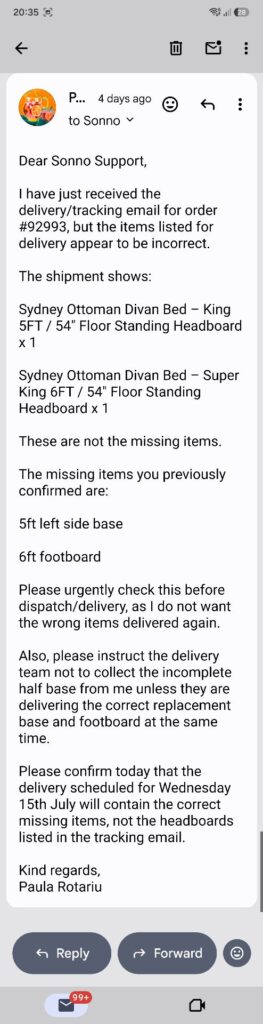
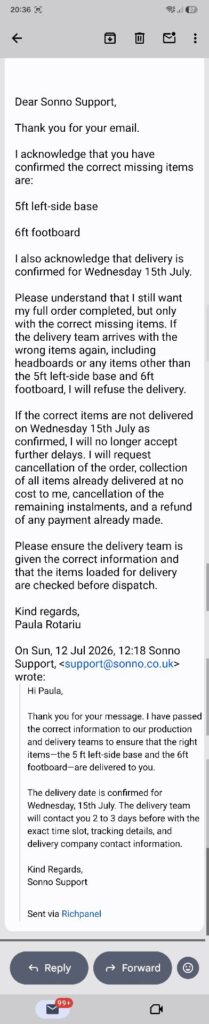
A reader comment posted on this page in July 2026 described an SP+Aff Sonno installment connected to a furniture order and a dispute about the goods delivered. This is a reader-submitted account that we have not independently verified. It illustrates why identifying the payment and resolving an order problem can involve different steps.
Did you identify your SP+AFF charge? Share the shortened statement wording, merchant, approximate amount, and how you confirmed or resolved it in the review form below. Your experience may help another cardholder recognize the same billing pattern.
Please omit card and account numbers, order numbers, contact details, passwords, and verification codes. Remove personal information from any screenshot before uploading it.
Related Payment and Shopping Charge Guides
- Shopify charge on a credit card or debit card
- How to investigate an unrecognized bank or card charge
Disclaimer: ChargeOnMyCard.com is an independent informational website, unaffiliated with Shop, Shopify, Affirm, or the merchants mentioned. We cannot access accounts, cancel payments, issue refunds, or resolve disputes. This guide is general information, not individual financial or legal advice.